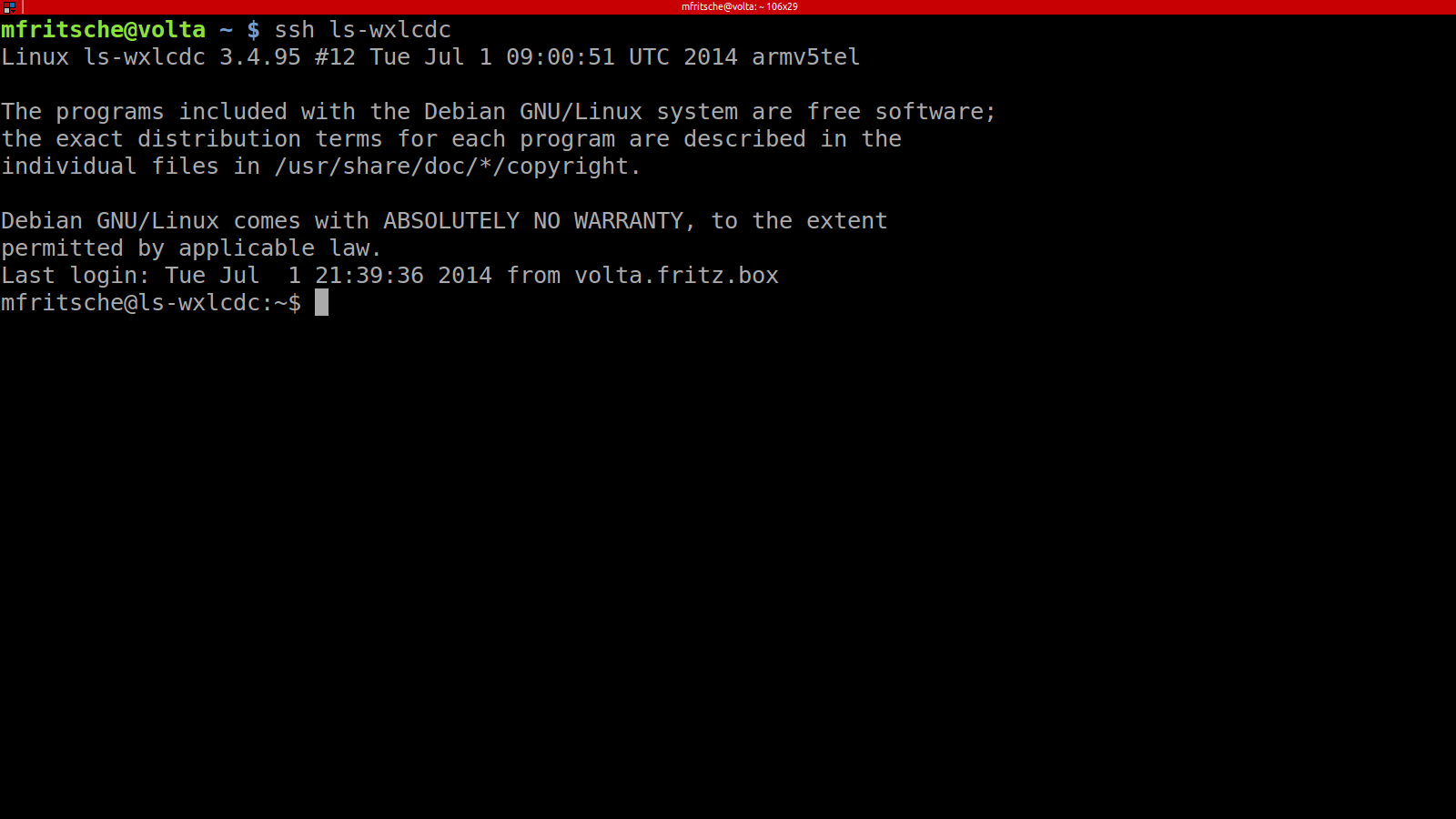
Working on my raspberry pi, I found a way to free my LinkStation LS-WXL from it’s chains. The Buffalo firmware does a nice job if you’re using it as it’s supposed to – a windows NAS, but it’s a bit more pain when one’s using mainly linux.
I managed to hack the nas_configen script to enable the samba unix extensions, but it still lacks features that only NFS could provide.
So, how is it done? You’ll need a linux machine (I’m using Ubuntu 14.04). You will have to install qemu-user-static – it’s comparable to wine, in that it will provide a chroot environment for ARM executables.
apt-get install qemu-user-static
Next step is to create a debian bootstrap environment (be sure to choose a mirror near you):
sudo apt-get install debootstrap
sudo qemu-debootstrap --arch armel wheezy chroot-lswxlcdc-armel http://ftp2.de.debian.org/debian/
sudo mount -t proc proc chroot-lswxlcdc-armel/proc
sudo mount -t sysfs sysfs chroot-lswxlcdc-armel/sys
sudo mount -o bind /dev chroot-lswxlcdc-armel/dev
sudo mount -o bind /dev/pts chroot-lswxlcdc-armel/dev/pts
Copy your /etc/resolv.conf into the chroot etc directory.
Create a suitable /etc/apt/sources.list
Change into the new chroot and do
apt-get update && apt-get install gcc make libncurses5-dev
(and some other tools later).
Grab the buffalo kernel source from http://opensource.buffalo.jp/ls-x-165.html. Copy mv88f6281_defconfig from the linux source defconfig directory (<linux source>/arch/arm/config/mv88f6281_defconfig) to <linux source>/.config and start „make menuconfig“. Make sure to include btrfs, ext4 and nfs support (if you want it).
Build the kernel with:
make && make uImage && make modules && make modules_install
The kernel will be in arch/arm/boot/uImage, the modules in binaries/lib/modules – copy both to the linkstation (uImage.buffalo) and /lib/modules/…
Once the kernel is built and copied (you probably had to install some more tools along the way – plus I had to make links for /usr/bin/gcc to /usr/bin/arm-none-linux.gnueabi-gcc and some other tools)
ln -s /usr/bin/ar /usr/bin/arm-none-linux-gnueabi-ar
ln -s /usr/bin/gcc /usr/bin/arm-none-linux-gnueabi-gcc
ln -s /usr/bin/ld /usr/bin/arm-none-linux-gnueabi-ld
ln -s /usr/bin/nm /usr/bin/arm-none-linux-gnueabi-nm
ln -s /usr/bin/objcopy /usr/bin/arm-none-linux-gnueabi-objcopy
ln -s /usr/bin/objdump /usr/bin/arm-none-linux-gnueabi-objdump
ln -s /usr/bin/size /usr/bin/arm-none-linux-gnueabi-size
Reboot and cross your fingers!